Android phones make it easy for us to access websites and apps wherever we are. For online betting users, this can be useful when following a cricket match, checking a football fixture, reviewing an account, or simply viewing available markets without opening a computer.
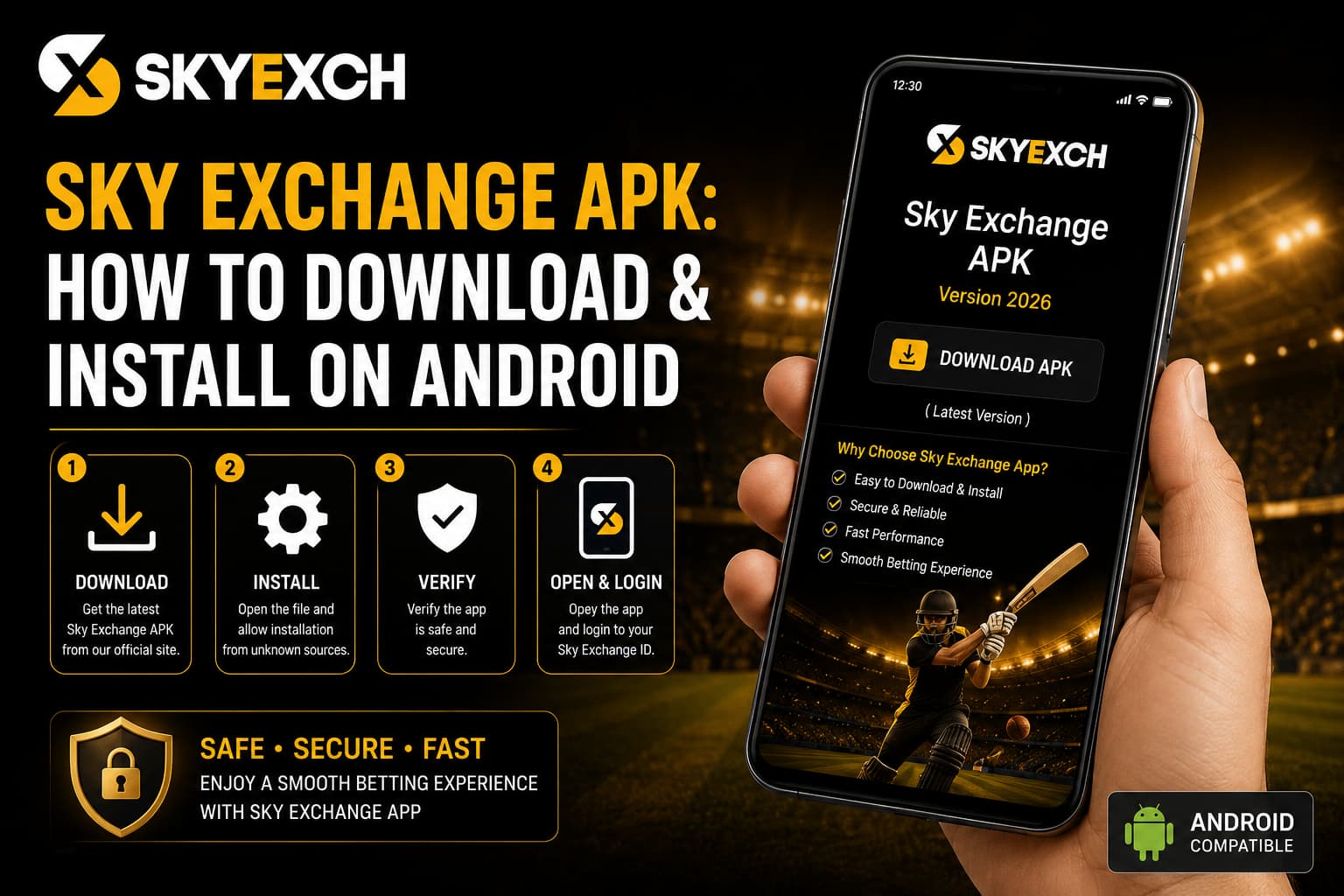
The Sky Exchange APK is an Android installation file that may be used to install the mobile application when an official Android version is provided. Unlike an app downloaded through a standard app store, an APK can require a few extra installation steps. This means we need to pay closer attention to where the file comes from.
Downloading the first APK we find through a search is not a good approach. Fake or modified files can copy a brand’s name and appearance while creating security risks for our device and account.
What Is the Sky Exchange APK?
An APK, or Android Package Kit, is a file format Android uses to install applications. We can think of it as an installation package containing the files needed to put an app onto a compatible Android phone or tablet.
When an app is installed outside a standard app store, Android may ask us to approve installation from the source that downloaded the file. This is an important security step rather than something we should automatically bypass.
The Sky Exchange Android file, where officially available, is intended to provide mobile access to supported platform features. The exact features and app version may change as the platform is updated.
That is why we should check current information before downloading rather than relying on an APK saved months or years ago.
Why Android Users May Choose the Sky Exchange App
Mobile access can be convenient for users who regularly follow sports. Instead of staying in front of a desktop, we can check our account from a compatible phone.
The Sky Exchange App may provide access to sports markets, account information, transaction sections, live events, and gaming categories depending on the current version and platform availability.
The main benefit is convenience rather than any change in how betting works. Using an app does not improve our chances of winning or remove the risks associated with betting.
We still need to understand each market, review our stakes carefully, and manage our spending regardless of whether we use an app or browser.
Check the Sky Exchange Official Website First
Before downloading an APK, our first concern should be its source.
We should begin from the Sky Exchange Official Website and check whether an Android download is currently provided. This is safer than searching for APK files on unrelated download websites.
A third-party page may use the Sky Exchange logo, similar colours, and convincing screenshots. None of these things alone prove that the file is genuine.
If the Sky Exchange Official Site provides current Android installation instructions, we should follow those instructions. If it does not provide an APK, we should not assume that a file found elsewhere is official.
Check Your Android Phone Before Downloading
Before starting a Sky Exchange Download, we should check whether our device is ready.
Our phone needs enough storage for both the downloaded file and the installed application. Very low storage can interrupt installation or cause an app to perform poorly.
We should also keep Android reasonably up to date. Older operating-system versions may not support newer applications, and outdated software can miss important security improvements.
A stable internet connection is helpful as well. An interrupted APK download can leave us with an incomplete file that may not install correctly.
How to Download the Sky Exchange APK
Once we have confirmed that an official Android file is currently available, we can begin the download process.
We should open the verified platform using our Android browser and locate its current mobile or app-download section. The wording and page design can change, so an old screenshot may not exactly match what we see today.
Before tapping the download option, we should check any information displayed about the current version, compatibility, or installation requirements.
After starting the download, we should allow the file to finish completely. We should avoid opening several different APK links at the same time because it can become difficult to identify which file came from the verified source.
Finding the APK After Download
Android usually places downloaded files inside a Downloads folder or the browser’s download history.
Once the download has finished, we can locate the file using the browser notification or our phone’s file manager. Before opening it, we should confirm that it is the same file we intentionally downloaded.
If several similarly named APK files are already stored on the device, we should be careful not to install an older or unknown version accidentally.
Removing outdated files after confirming the current installation can also reduce confusion later.
Allowing Installation on Android
Android may prevent an APK from installing until we approve permission for that particular source to install apps.
The exact location of this setting differs between Android versions and phone brands. Rather than permanently allowing every unknown source, we should approve only the trusted source needed for the current installation.
Security warnings should be read carefully. We should never switch off broad security protections simply because an unfamiliar website tells us that doing so is required.
After installation, we can review the permission again and disable it if we no longer need that browser or file manager to install applications.
Installing the Sky Exchange APK
Once the required Android permission is ready, we can open the downloaded file and begin installation.
Android should display an installation screen showing information about the application. We should review what appears before selecting the install option.
The process may take a short time depending on our phone. When installation is complete, Android should give us an option to open the application.
If installation fails, repeatedly downloading different APK files is not the best solution. We should first check compatibility, storage space, the integrity of the download, and whether we used the correct current file.
Review App Permissions Before Using It
App permissions deserve attention because they control what information or device features an application can access.
We should consider whether each permission makes sense for the app’s purpose. An application should not automatically receive unnecessary access simply because we want to use one of its features.
Android allows us to review app permissions later through device settings as well.
If an application obtained from an unexpected source asks for unusually broad access, that is a reason to stop and verify the installation before entering our Sky Exchange ID or other account details.
Sky Exchange Login After Installation
Existing users can proceed to Sky Exchange Login after confirming that the application is legitimate and working correctly.
We should enter the credentials linked to our registered account carefully. Passwords can be case-sensitive, and simple typing errors are a common cause of failed login attempts.
We should use a unique password rather than reusing one from our email, banking app, or social media account.
Saving login information may be convenient on our private phone, but we should avoid doing so on a shared device. Anyone who can access that device could potentially gain easier access to the account.
What New Users Should Know About Registration
Installing an APK does not automatically create an account.
New users still need to follow the current Sky Exchange Registration process. During Sky Exchange Signup, we should enter accurate information and complete any verification steps currently required by the platform.
Once registration is complete, our Sky Exchange New ID or account credentials should be kept private.
We should avoid buying or accepting a Sky Exchange Betting ID from an unknown person. Using the normal registration route gives us a clearer connection between our account and the details used to create it.
Using a Sky Exchange Cricket ID on Android
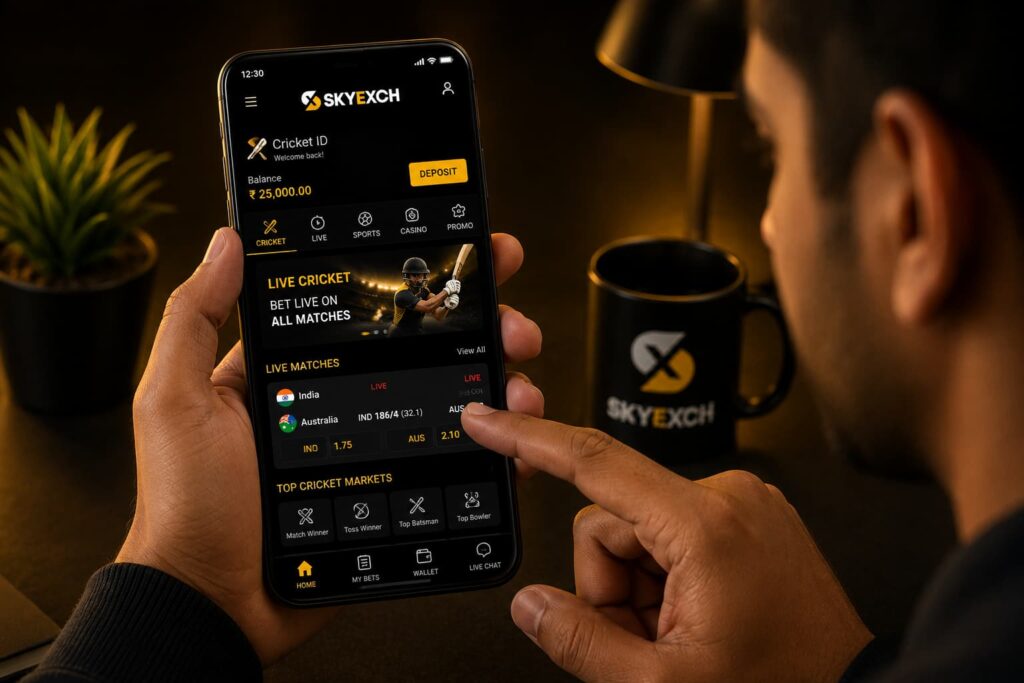
Cricket is one of the biggest reasons Indian sports users may prefer mobile access. An Android phone allows us to follow matches without remaining at a computer.
Some users refer to their account as a Sky Exchange Cricket ID because cricket is their main interest. In many cases, we should first check what is available through our existing account rather than assuming we need a separate account for each sport.
Available cricket markets depend on the current schedule and platform offering.
Live odds can move quickly during a match, so having an app should not encourage us to make rushed decisions. We should understand the market and check our stake before confirming anything.
Football and Other Sports on the Android App
Where supported, the app can also provide access to Sky Exchange sports betting across different events.
Users interested in Sky Exchange football betting may find markets related to domestic leagues, international fixtures, and major tournaments when available.
Different sports can use different market structures. Understanding cricket betting does not automatically mean we understand every football or tennis market.
Exploring the interface first and reading the market information can help us avoid placing a bet on something we misunderstood.
Casino Access Through the APK
The Android application may also provide access to the Sky Exchange casino section where supported.
Casino categories can differ from sports markets because games may move much faster. Before using real money, we should understand the basic rules and risks of the game we choose.
Having casino access directly on a phone can make repeated play very easy. Setting a fixed entertainment budget before starting can help us keep better control of our spending.
Sports and casino activity should be considered together when we decide how much money we can afford to use.
Checking a Sky Exchange Bonus in the App
A Sky Exchange bonus may be displayed to eligible users when a current promotion is running.
We should read the complete offer terms rather than looking only at the headline amount. Important details can include eligibility, minimum deposit conditions, wagering requirements, expiry dates, and withdrawal rules.
Promotions can change, which means old bonus information may no longer apply to the current offer.
A bonus should also never be treated as a reason to deposit or bet more than our planned budget.
How to Update the Sky Exchange APK
Keeping an Android app current can improve compatibility and may address performance or security problems.
When an update is required, we should return to the verified platform and check its current update instructions. Downloading a file labelled “latest APK” from an unrelated website is not a reliable way to confirm that we have the newest genuine version.
If the newer file replaces the existing app, our account should still be protected by its normal login credentials.
We should also avoid keeping multiple unofficial or outdated versions on our phone.
What to Do If the APK Will Not Install
An APK can fail to install for several ordinary reasons.
Our device may not have enough free storage, the Android version may be incompatible, the download may have been interrupted, or the installation permission may not have been configured correctly.
Instead of disabling every security feature, we should identify the actual cause.
If the current verified file still does not work after basic checks, contacting Sky Exchange customer support through the support options listed on the platform can be more useful than experimenting with unknown APK websites.
What to Do If the App Is Not Opening
Sometimes an application installs successfully but does not open or work as expected.
We can first restart the application and check our internet connection. Restarting the phone can also clear a temporary software issue.
If the problem started after an update, we should check whether a newer supported version or updated instructions are available.
When Sky Exchange Online works through our mobile browser but the application does not, the issue may be specific to the installed app rather than our account.
How to Recognise a Suspicious Sky Exchange APK
Fake APK files can imitate the appearance of legitimate applications, so we should watch for warning signs.
An unexpected download source, unusual permission requests, misleading update messages, unexplained redirects, or requests to disable important Android security tools deserve attention.
We should also be suspicious of APKs advertised as giving guaranteed wins, secret betting features, hacked odds, or unlimited bonuses. An application cannot legitimately guarantee betting outcomes.
If we are uncertain about a file, not installing it is safer than testing it with our real account credentials.
Read More : Sky Exchange App Guide 2026: Download, Install & Login
Safer Android Use for Sky Exchange India Users
For Sky Exchange India users, protecting the phone itself is part of protecting the betting account.
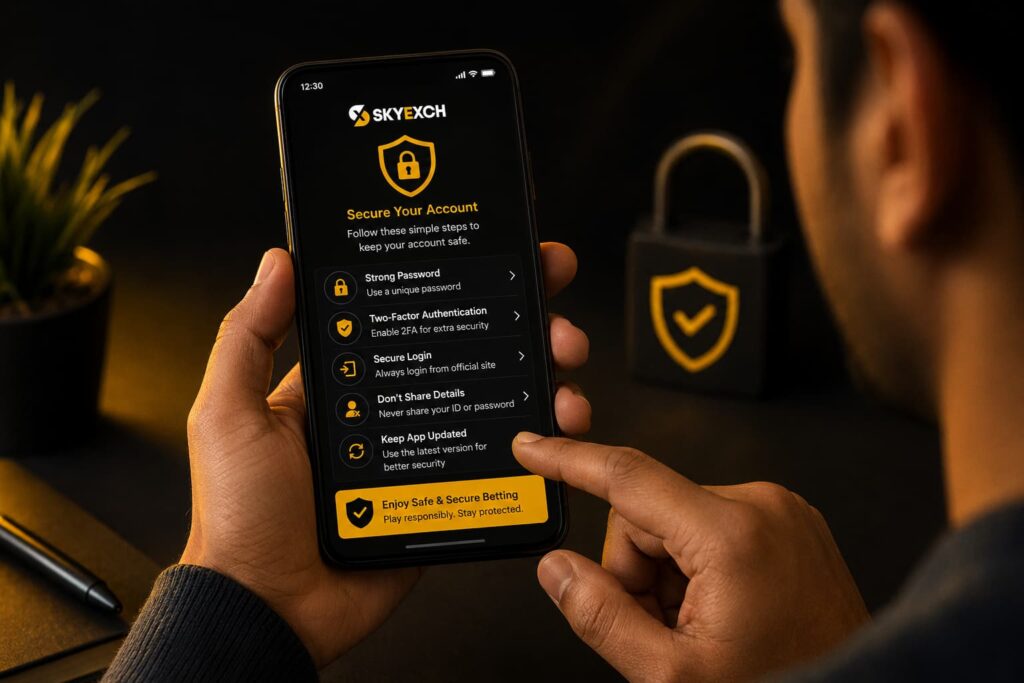
We should use a PIN, password, fingerprint, or another supported device lock. Keeping Android and important security components updated can also reduce avoidable risks.
We should not share passwords, PINs, or one-time security codes with anyone claiming to offer technical support. We should also avoid signing in through links received from unknown contacts.
Along with digital security, responsible betting matters. We should meet applicable legal-age requirements, understand the rules that apply in our location, set spending limits, and never chase losses.
A Safer Way to Download and Use the Sky Exchange APK
Downloading the Sky Exchange APK on Android does not need to be complicated. The most important part is not how quickly we can install the application but whether we are getting the correct file from a source we can verify.
We should start with the verified platform, check device compatibility, download the current file, review Android security warnings, and pay attention to app permissions before logging in.
Once installed, the mobile application can make Sky Exchange easier to access from an Android phone. But mobile convenience should always be balanced with account security and responsible betting habits.
By protecting our credentials, keeping the app current, understanding the markets we use, and maintaining a clear entertainment budget, we can approach mobile access with more care and fewer avoidable risks.
Read More : Sky Exchange App Guide 2026: Download, Install & Login
Explore : https://skyexchangebet.co/
Frequently Asked Questions
1. What is the Sky Exchange APK?Using a Sky Exchange Cricket ID on Android
The Sky Exchange APK is an Android installation file used to install the mobile application where an official Android version is available. We should always verify the source before installing an APK.
2. Where should we download the Sky Exchange APK?
We should check the verified Sky Exchange platform for its current Android download option. APK files from unknown websites, messages, or unofficial sources should be avoided.
3. How do we install the Sky Exchange APK on Android?
After downloading a verified APK, we can open the file and follow Android’s installation instructions. Our phone may ask us to approve installation from the browser or file manager used for the download.
4. Is the Sky Exchange APK available for every Android phone?
Compatibility can depend on the Android version, device specifications, storage space, and current app requirements. We should check the latest requirements before downloading.
5. Why is the Sky Exchange APK not installing?
Installation can fail because of low storage, an incomplete download, an incompatible Android version, or installation permissions. We should identify the cause instead of disabling important security settings.
6. How do we complete Sky Exchange Login after installation?
Once the verified app is installed, we can open it and enter the credentials linked to our registered Sky Exchange ID. We should keep our password private and avoid saving it on shared devices.
7. Do new users need Sky Exchange Registration before using the APK?
Yes, new users need a registered account before accessing account-based features. We should follow the current Sky Exchange Signup process and any verification requirements displayed by the platform.
8. Can we use an existing Sky Exchange ID on the Android app?
Where supported, existing users can generally sign in with their registered account credentials. Installing the app does not normally mean we need to create another account.
9. How can we update the Sky Exchange APK?
We should check the verified platform for the latest update instructions. Downloading files advertised as a “latest APK” from unrelated websites can create unnecessary security risks.
10. What should we do if the Sky Exchange App is not opening?
We can check our internet connection, restart the app, restart the phone, and confirm that we are using a current compatible version. If the problem continues, verified customer support may help.